Connection
Specify USB HID, virtual COM or RS232. Availability depends on the selected model.
Start here for scanning at a fixed POS terminal or receiving station. A wired setup keeps connection and power requirements straightforward.
Discuss this category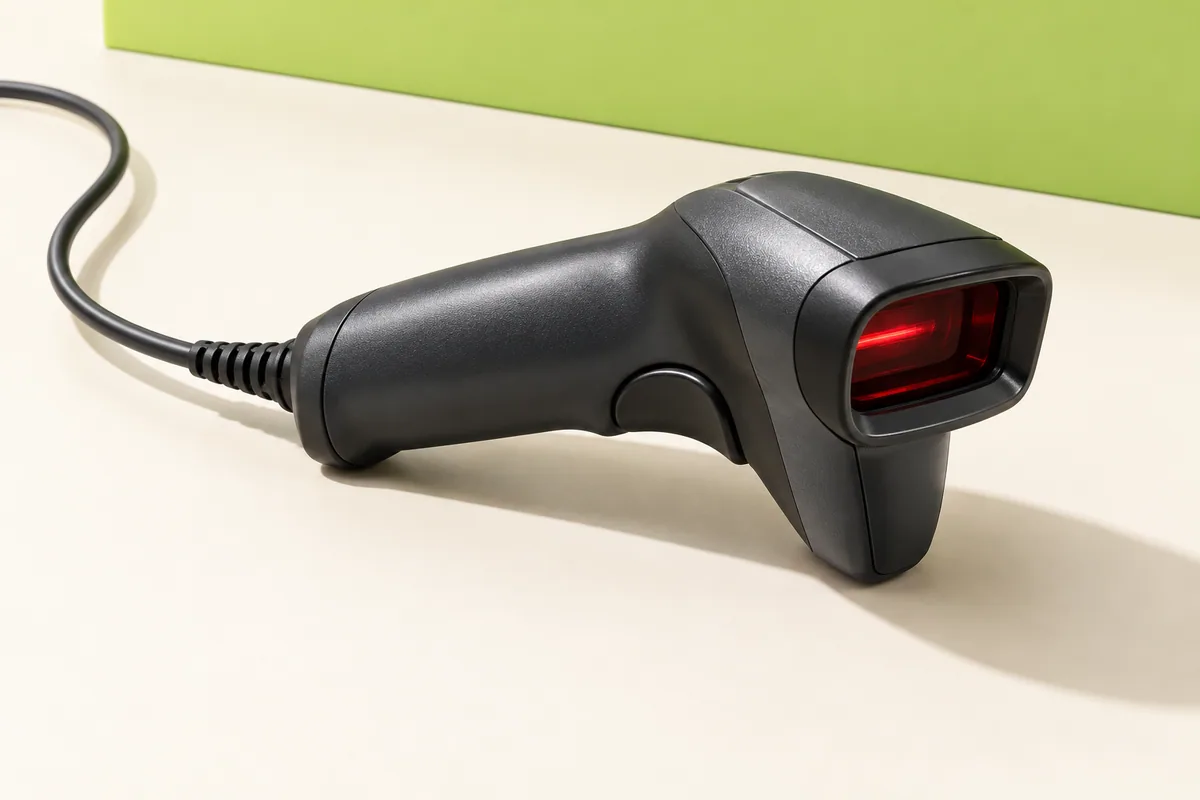
Model selection follows your requirements. No specific stock or performance is implied.
These details make a quotation
more useful and a sample test more meaningful.
Specify USB HID, virtual COM or RS232. Availability depends on the selected model.
Include your printed labels, QR codes and any phone-screen scanning requirement.
Share the POS software, operating system and keyboard country layout.
Confirm cable length, connector, stand and power requirements in the quotation.
Start with the interface your POS software accepts. A USB plug alone does not establish software compatibility. Confirm the input mode and test a sample with the actual terminal before a volume order.
Review the proposed model’s datasheet, sample results, market documentation, price, lead time, warranty and kit contents. These are confirmed for the selected product, not assumed across the category.
Tell us what you scan, what you connect to and how many you need.