Barcode Scanner Sample Testing Checklist
A scanner sample should answer the purchasing questions your team needs to resolve before a volume order. Test the proposed configuration with your real barcodes, host application and operating conditions, then record what was accepted.
Download the editable template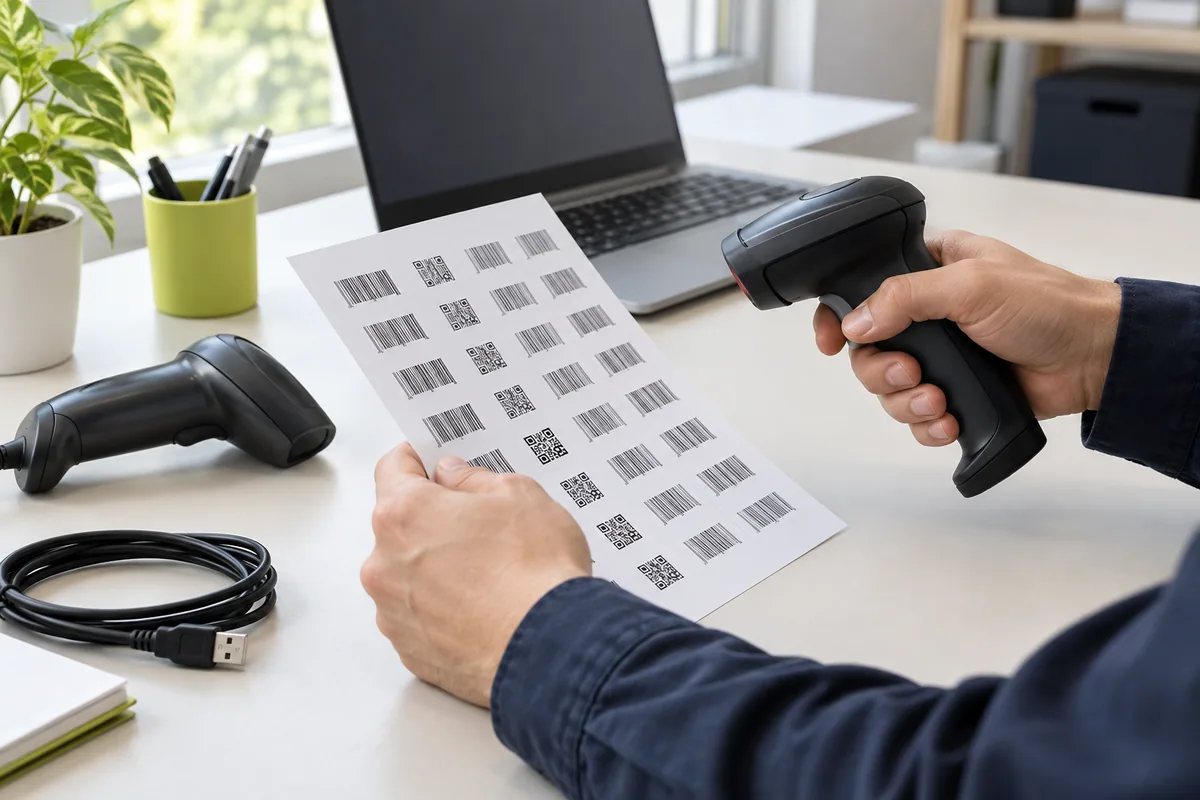
What should you test before a bulk scanner order?
Test both barcode reading and the data arriving in the application. A successful beep does not, by itself, document correct field input, operator handling or the approved installation kit. For cordless projects, add the working area, reconnect behavior and charging routine to the plan.
This is a buyer’s fit-evaluation checklist, not a laboratory certification method or a promise that every model supports every listed function. Mark tests that do not apply, and agree the required outcome for your project.
1. Record the setup before testing.
- Supplier contact, proposed model and sample identification.
- Firmware or configuration version where it can be identified.
- Host device, operating system and the application version used.
- Connection mode, cable, receiver, charging equipment and other accessories.
- Representative barcode examples and any screen-reading requirements.
- Test location, operator, date and the agreed purchasing questions.
Keep one record for each materially different configuration. If the scanner settings, receiver or application changes, note the change so the results can be interpreted correctly.
2. Use a practical test matrix.
| Test area | What to do | What to record |
|---|---|---|
| Representative codes | Read the labels, sizes and code families used in the operation. | Code example, surface, test condition and observed result. |
| Application input | Scan into the actual POS or inventory fields. | Output string, leading zeros, punctuation, keyboard layout and field advancement. |
| Difficult conditions | Include curved, reflective, low-quality or screen examples when required. | Which example was tested, angle, distance and any failed or repeated reads. |
| Workstation handling | Use the intended grip, cable route, stand position or desktop location. | Operator feedback, available space and any obstruction to the task. |
| Wireless operation | Where applicable, pair with the actual host and walk the working area. | Pairing steps, obstacles, lost connections, reconnection and data behavior. |
| Shift & charging | Where applicable, try the operation’s scan frequency and charging opportunities. | Test duration, observed charging needs and any interruption. |
| Stored-data requirement | If requested, test offline collection, transfer and duplicate handling. | Collected sample, transfer steps, output and unresolved recovery questions. |
| Kit & configuration | Check every supplied accessory against the proposed kit. | Model, firmware if shown, input settings, accessory identifiers and missing items. |
Download the editable CSV test record ↗
Open the CSV in Excel or another spreadsheet tool. Expected and observed result fields are deliberately blank; enter the outcomes agreed for your own workflow.
3. Set acceptance criteria before reviewing results.
Separate business-critical requirements from preferences. Your team should decide what is acceptable for the intended task; do not borrow an unverified pass rate, reading distance or battery figure from a category description.
- Accept for the agreed configuration
- Required tasks have been tested, results are recorded and remaining purchasing conditions are explicitly documented.
- Review or adjust
- A setting, accessory or workflow needs clarification. State the change and repeat the affected tests before approval.
- Do not approve yet
- A required task fails, data is missing or the proposed configuration remains uncertain. Resolve the issue with the sourcing contact before a volume commitment.
4. Send a useful issue report.
Describe the expected result, observed result and steps needed to reproduce the problem. Include the model, settings, host application and the relevant barcode example. A short demonstration can make a recurring issue easier to discuss; avoid including sensitive customer data in example labels or screenshots.
If the proposal changes to another model or configuration, identify the new sample and repeat the relevant checks. Do not apply an old approval to a changed kit without review.
5. Keep the approval connected to the quotation.
Record the accepted model, settings, accessory list, packaging and any agreed exceptions. Ask for the bulk quotation and order confirmation to refer to that approved scope. Clarify any pre-shipment checks and defect-handling terms separately.
Use the barcode scanner RFQ checklist for commercial and delivery requirements. Sample fit, destination documentation, bulk quality checks and warranty terms answer different purchasing questions.
Does passing a sample test guarantee the bulk order?
No. A sample test records fit for the tested task and configuration. Bulk acceptance, inspection scope, documentation and after-sales responsibilities must still be agreed in writing for the selected product and order. Keep the test record as part of that purchasing evidence.
Turn your checklist into a sourcing enquiry.
Share the application, quantity and destination. We coordinate requirements with manufacturing partners and confirm the proposed model, kit and commercial terms before approval.
Discuss your sourcing brief